Logging In & 2FA Verification
How to access Cadence for the first time and on every login
First-Time Login (Activation)
When your administrator adds you to Cadence, you'll receive an invitation email from hello@notifications.palanahealth.com.
- Click the activation link in the email (valid for 72 hours)
- Set your password (12-128 characters)
- Your account is now active with two-factor authentication automatically enabled
Check your spam folder if you don't see the invitation email within a few minutes.
Regular Login
- Go to your Cadence URL
- Enter your email and password
- Check your email for a 6-digit verification code
- Enter the code within 10 minutes (max 3 attempts)
- You're in!
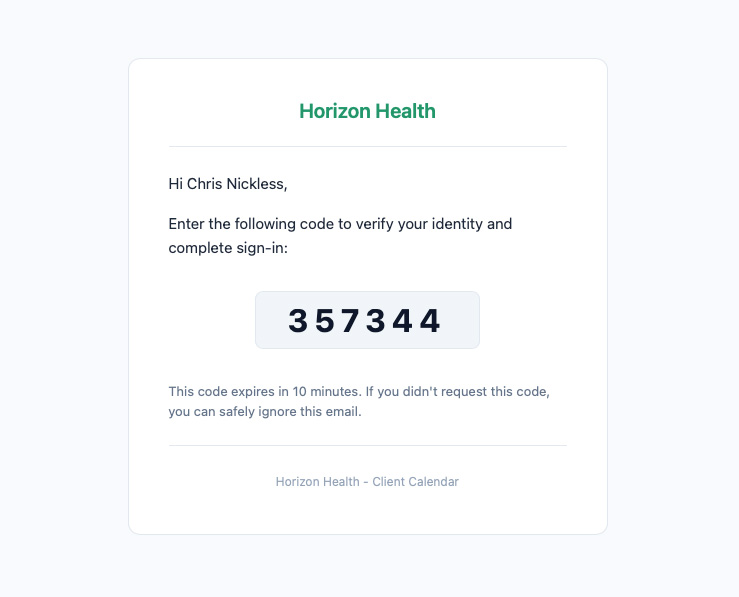
The verification code is sent to the same email you use to log in. A new code is sent each time you sign in.
Session & Timeout
- Your session lasts 4 hours and extends automatically while you're active
- After 30 minutes of inactivity, you'll see a 2-minute warning before auto-logout
- If logged out, just log in again — no data is lost
If you've been idle and see the timeout warning, click anywhere on the page to reset the timer.